How to Create a PDF Invoice
Learn how to create a professional PDF invoice that gets paid faster. Discover best practices for file naming, record keeping, and how to generate a PDF invoice easily.
Published · Updated · By ToolNimbly
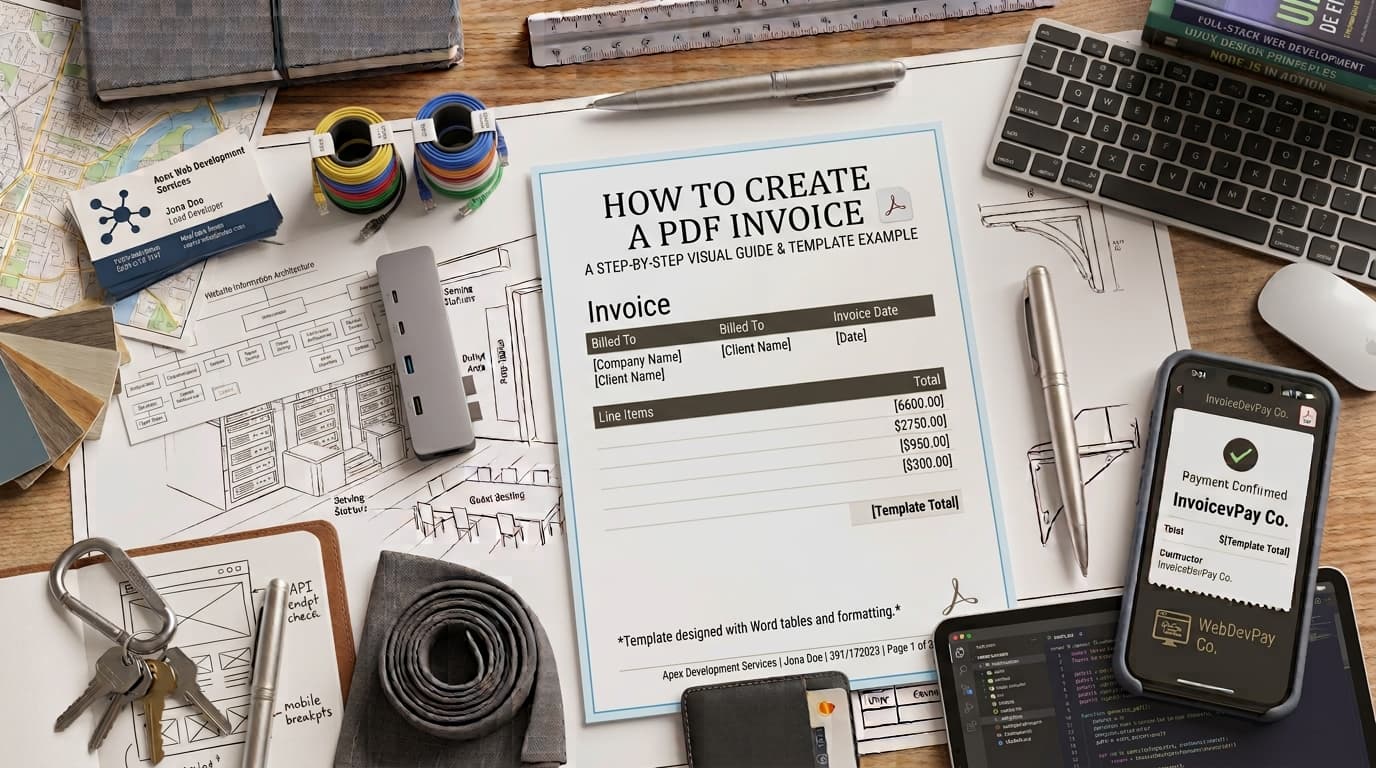
The most effective way to manage your billing is to send a clear, professional document. Using a PDF for your invoices is a common practice because it helps ensure the document appears as you intended when the client opens it on their device. Unlike some editable formats, a PDF is designed to maintain its layout, which can help you present a consistent image to your clients. When you need to create invoice pdf files, choosing a reliable format is a practical step toward maintaining organized business records.
When you send a professional invoice, you provide your client with a clear request for payment. This clarity can help your clients understand exactly what they are being billed for, which is a helpful step in managing your business relationships.
Why PDF is a Common Choice for Invoices
Consistency is a primary driver for using PDF files for billing. If you send an invoice in a format that is easily modified, the document may be changed accidentally. By contrast, a PDF acts as a digital snapshot. It helps ensure that the layout you intended is what the client sees, regardless of whether they are viewing it on a desktop computer, a tablet, or a mobile phone. This reliability helps you present your billing information in a way that is easy for the client to read and process.
Essential Elements of a Professional Invoice
To ensure your invoice is clear and easy to understand, you should consider including specific details that help your client identify the transaction. While there is no single required format for all businesses, including certain elements can make your billing process more efficient.
Unique Invoice Numbering
Using a unique, sequential number for each invoice, such as INV-2026-001, is a helpful way to track your billing. Keeping a record of these numbers helps you stay organized and makes it easier to reference specific transactions when communicating with your clients. If you make a mistake on a document, you might consider issuing a new invoice with a different number or a credit memo to keep your records clear.
Clear Payment Terms
Providing clear information about when payment is expected can help manage expectations. Instead of using vague language, you might specify a date, such as "Due: October 21, 2026," or use standard terms like "Net 30." Providing a clear, objective deadline removes ambiguity and gives you a firm basis for follow-up communication if payment is not received by the expected date.
Itemized Detail
Vague descriptions can lead to questions from clients. For specialized work, providing detail is often helpful. You might break down costs into parts and labor separately. This granularity helps the client understand exactly what they are paying for, which can reduce the time spent on back-and-forth inquiries.
Tax Information
If you are required to collect sales tax, the treatment and display requirements for that tax vary by jurisdiction. Because tax laws change frequently and depend on your specific location and industry, you should consult with a tax professional to ensure your documentation meets the requirements of your region.
How to Generate a PDF Invoice Efficiently
Manual templates are a common starting point, but they can be prone to human error. Manually typing out each invoice increases the risk of calculation errors, and tracking which invoices have been sent or paid becomes more difficult as your client list grows.
If you need a reliable way to manage your billing, you can use our tool to generate a PDF invoice quickly and accurately. This tool allows you to create, format, preview, print, or download an invoice as a PDF. It supports business and client details, an invoice number, issue and due dates, currency, line items, payment instructions, terms, notes, discounts, one document-level tax, shipping or fees, paid amount, and balance due. By using a tool to handle the formatting and math, you minimize the time spent on administrative tasks and ensure that every document you create is polished.
Organizing Your Invoicing Workflow
The IRS explains that how long to keep a document depends on the action, expense, or event it records. Keep invoices in an organized system and confirm the retention rule that applies to your circumstances rather than relying on a single fixed period.
Standardized File Naming
Adopting a consistent file naming convention helps keep your digital records organized. A format such as YYYY-MM-DD_ClientName_InvoiceNumber.pdf is often effective. For example, a file named 2026-09-21_AutoRepairShop_INV-001_BrakeService.pdf is easy to search and identify, which saves time when you need to locate a specific document.
Handling Incorrect Invoices
If an invoice contains an error, it is helpful to keep a record of the mistake rather than deleting the file. You might mark the incorrect file as "void" in your internal ledger and keep it for your records. This practice helps you maintain a complete history of your billing activity.
Industry-Specific Considerations
Service-based businesses often face unique billing challenges. For example, businesses in the automotive or trade sectors may find that customers prefer to see a clear distinction between the cost of parts and the cost of labor. Providing this transparency can help build trust and justify the total amount due.
Additionally, consider the nature of your industry's regulations. Businesses dealing with sensitive data, such as those in the healthcare sector, may have specific retention requirements. Always verify the document retention guidelines that apply to your industry and location.
The Importance of Professionalism in Billing
When you take the time to create invoices that are clean and well-structured, you are investing in your brand reputation. Clients often perceive businesses that use standardized, high-quality billing documents as more reliable. This perception can lead to stronger client relationships and repeat business. Furthermore, having a consistent template ensures that your brand identity remains uniform across all client communications, from initial quotes to final invoices.
Managing Client Expectations
Clear communication is the backbone of successful billing. When you send an invoice, ensure that the client knows exactly what to expect regarding payment methods and timelines. If you offer multiple payment options, such as bank transfers or other methods, list these clearly on the document. By providing all necessary information upfront, you reduce the likelihood of the client needing to contact you for clarification, which can help the payment process move more smoothly.
Frequently Asked Questions
Is a PDF invoice considered an electronic invoice?It is important to distinguish between the two. A PDF is a digital image of a document meant for human reading. An electronic invoice, or e-invoice, is a machine-readable data file, such as XML or JSON, designed to be imported directly into accounting software. While a PDF is digital, it is not an e-invoice in the technical or regulatory sense.
How long should I keep my invoices for tax purposes?The appropriate period depends on what each record supports and the rules that apply to your situation. IRS guidance says to keep records for as long as they may be needed to support income, deductions, or other items on a tax return. Check current guidance or ask a qualified adviser about your circumstances.
What should I do if I make a mistake on an invoice I already sent?If you discover an error, you might issue a formal credit memo to cancel out the incorrect invoice or send a corrected invoice with a new, unique number. This preserves the integrity of your financial history and ensures your records remain accurate for your own reporting.
Can I use a mobile device to create PDF invoices?Yes. Many modern cloud-based tools allow you to generate professional invoices from your smartphone or tablet. This is particularly useful for contractors, freelancers, and service professionals who need to bill clients while on the go. As long as the tool produces a secure, non-editable PDF, it is a practical method for professional billing.
Disclaimer: This article is for informational purposes and does not constitute legal, tax, or accounting advice. Regulations vary by jurisdiction and industry; please consult with a qualified professional regarding your specific business requirements.
Put this into practice
Use the Invoice tool for the calculation, then read What an invoice needs to contain for the supporting explanation.