HVAC Invoice Template: Guide and Example
Need a professional HVAC invoice template? Learn what to include for compliance, how to track parts and labor, and streamline your billing process today.
Published · Updated · By ToolNimbly
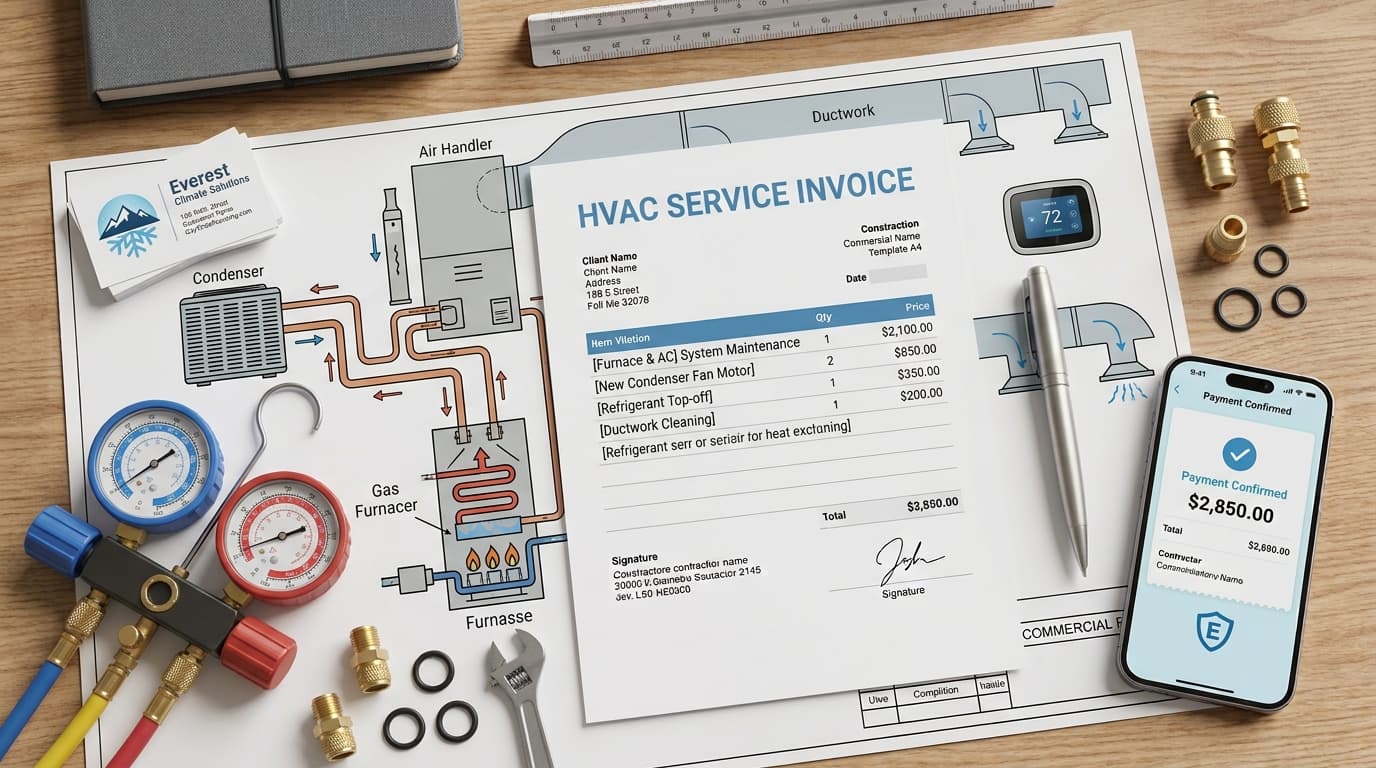
In the HVAC industry, an invoice serves as a primary request for payment and a record of the services provided. For business owners, the quality of your documentation influences the clarity of your billing process and the efficiency of your administrative workflow. A well-organized, detailed approach to billing helps maintain clear communication with clients and supports internal record-keeping.
Why a Professional HVAC Invoice Template Matters
A clear, consistent invoice template acts as a communication tool between your field technicians and your office. When your team uses a standardized format, you reduce the potential for confusion that can arise from handwritten notes or inconsistent descriptions of work.
Transparency is a practical way to manage client expectations. When a customer receives a document that clearly outlines the services performed, the parts used, and the associated costs, they have the information necessary to process the payment. Furthermore, a polished, branded document reflects the organization of your business. It signals that your company is prepared and professional, which is a factor in maintaining positive client relationships.
Beyond the immediate financial transaction, a professional invoice serves as a representation of your brand. By including your logo and clear contact information, you reinforce your business identity every time a client reviews their bill. This consistency helps clients identify your company when they need future repairs or seasonal maintenance.
Common Elements of an HVAC Service Invoice
While documentation practices vary, many HVAC service invoices include specific, standardized fields to ensure the client has all the information they need to settle the account. Consider including the following elements:
Header Details: Your company logo, business name, physical address, phone number, and email.
Customer and Service Data: The customer’s name, billing address, and the specific service location address if it differs from the billing address.
Transaction Specifics: A unique invoice number, the date the invoice was issued, and the date the service was performed.
Financial Breakdown: A line-item summary of charges. This may include subtotals for parts and labor, applicable taxes, and the final total amount due.
Payment Terms: A clear statement regarding when payment is due and the payment methods you accept.
Technical Documentation: Parts, Labor, and Equipment
HVAC work is technical, and your invoices should reflect the nature of the service provided. Including specific technical data serves both you and the customer; it provides a history of the equipment for future service calls and creates a record for warranty purposes.
Itemizing Parts and Equipment
Avoid generic descriptions. Instead, list the specific manufacturer, model number, and serial number of the equipment serviced. When replacing components, list the part name, part number, and a brief description of the work performed.
Example (Maintenance): Annual HVAC Tune-up: Clean condenser coils, check refrigerant levels, inspect blower motor. Equipment: Carrier 59TP6, Serial: 123456789.
Example (Repair): Replace start capacitor (Part #CAP-45-5). Labor: 1.5 hours at $125/hr.
Example (Installation): Install new condenser unit. Model: Trane XR14. Includes removal and disposal of old unit.
Documenting Service Details
For maintenance and repair visits, including a reference to the specific tasks performed is a helpful practice. This demonstrates the scope of the work and provides the customer with a clear summary of the value provided.
How to Create Your Own HVAC Invoice
The most efficient way to manage your billing is to finalize the invoice details as part of your service workflow. When technicians document the work performed while on-site, they reduce the risk of forgetting details or delaying the billing process.
Digital tools have transformed this process, allowing you to generate professional documents in minutes. If you are looking for a streamlined way to handle your billing, you can use our digital tools to make an HVAC invoice that allows you to create, format, preview, print, or download an invoice as a PDF.
When you use a digital system, you can save customer profiles and equipment histories to simplify future visits. If you ever need to correct a mistake, issue a new, clearly labeled "Revised" invoice and keep both versions in your records to maintain a clean audit trail.
Best Practices for HVAC Billing
Billing efficiency is an ongoing process that requires attention to detail. Because tax laws regarding labor and services vary by state and municipality, you should verify your local jurisdiction's rules. Always consult with a local tax professional to ensure your tax calculations and display requirements are accurate for your specific area.
Consistency is equally important. Ensure that your entire team uses the same terminology for services and parts. This prevents the accounting confusion that occurs when different technicians use different descriptions for the same task. By standardizing your language, you ensure that your financial reports accurately reflect your business performance, making it easier to identify your most profitable services and monitor your inventory usage.
The Importance of Detailed Descriptions
Detailed descriptions do more than just justify costs. They protect your business in the event of a warranty claim or a customer inquiry. If a client questions why a specific part was replaced, your invoice serves as the primary record of the equipment's condition at the time of service. Document the reason for a repair, such as "worn contactor causing intermittent cooling" or "low refrigerant charge due to pinhole leak in evaporator coil."
Managing Payment Terms
Clear payment terms are the foundation of healthy cash flow. If you offer credit terms, such as Net 15 or Net 30, ensure these are clearly printed on every invoice. For residential work, many HVAC companies prefer "Due on Receipt" to minimize administrative overhead. If a payment becomes overdue, having a standardized follow-up process is helpful. Send a friendly reminder shortly after the due date, followed by a formal statement if the balance remains unpaid.
Integrating Invoicing with Accounting
Modern HVAC businesses should aim to integrate their invoicing platform with their accounting software. This automation reduces manual data entry, which is a common source of errors. When your invoice data flows directly into your general ledger, you gain visibility into your revenue, outstanding receivables, and tax liabilities. This level of oversight is helpful for scaling your business and making informed financial decisions.
Disclaimer: This guide is for informational purposes only and does not constitute legal, tax, or accounting advice. Regulations vary by state and local jurisdiction. Please consult with a qualified professional to ensure your business practices meet all applicable requirements.
Frequently Asked Questions
What should I do if I find a mistake on a sent invoice?Do not delete or overwrite an invoice that has already been sent to a client. Instead, issue a new, corrected invoice labeled "Revised" and keep the original for your audit trail. This ensures your records remain accurate and transparent.
How long should I keep my HVAC service invoices?Record retention requirements vary based on your business structure and local regulations. Consult with a tax professional to determine the appropriate duration for keeping your financial records to ensure you meet all legal and tax obligations.
Can I use a generic invoice template for my HVAC business?While you can use a generic template, it is often helpful to use one that allows for HVAC-specific fields. Templates that include space for equipment serial numbers, model numbers, and technician notes are useful for long-term service tracking and warranty management.
What if a commercial client requests vendor details?Ask the client's accounts-payable team which references it needs, such as a purchase order number or service-location code. Exchange sensitive onboarding information through the client's secure vendor process rather than placing it on a routine invoice.
Additional Considerations for Your Workflow
To maintain a professional operation, consider these additional steps for your invoicing process:
Standardize Your Item List: Create a master list of common parts and services with pre-set descriptions and pricing. This ensures that every technician provides the same information to the office.
Verify Customer Contact Info: Always confirm the customer's email address and phone number before leaving the job site to ensure the invoice reaches the correct person.
Use Clear Payment Instructions: If you accept digital payments, include clear instructions on the invoice. If you accept checks, provide the correct mailing address for payments.
Review Invoices Before Sending: Take a moment to review the invoice for accuracy, including the spelling of the customer's name and the correct equipment details.
Organize Your Digital Files: Maintain a consistent naming convention for your saved PDF invoices, such as "InvoiceNumber_CustomerName_Date." This makes it easier to locate documents when a client calls with a question.
By focusing on these practical steps, you can improve the efficiency of your billing cycle and provide a better experience for your clients. A professional invoice is a reflection of your commitment to quality service, and taking the time to get it right is a worthwhile investment in your business.
Put this into practice
Use the Invoice tool for the calculation, then read What an invoice needs to contain for the supporting explanation.