Invoice Email Template: 7 Ready-to-Use Examples
Need a professional invoice email template? Explore 7 ready-to-use examples for every billing scenario to help you get paid faster and maintain client relationships.
Published · Updated · By ToolNimbly
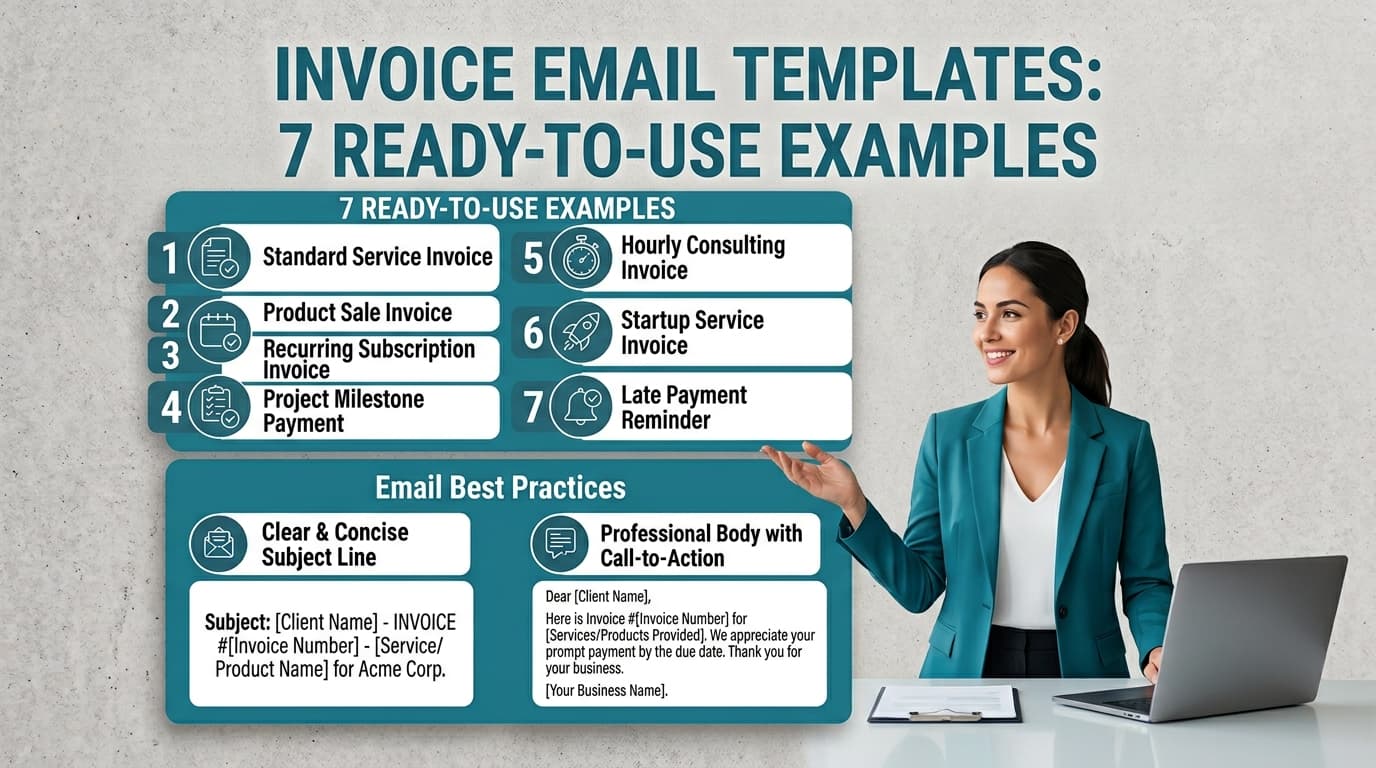
Getting paid on time is often a result of the clarity of your billing process. When a client receives an email that is easy to read, contains the necessary details, and provides a direct path to payment, they are better positioned to process it.
Professional invoicing is a form of communication. By treating the email body as a summary of the invoice rather than just a delivery vehicle for an attachment, you reduce the effort required for your client to understand the request and minimize friction in the payment process.
The Anatomy of a Professional Invoice Email
A professional invoice email follows a consistent framework. If your clients know what to expect in their inbox, they can organize their records more effectively.
The Subject Line
Use a consistent, searchable format for every email. This helps clients organize their own records and makes it easier for them to find your payment request later. A standard format looks like this: Invoice #[Number] for [Project Name] due [Date].
The Above the Fold Rule
Your primary call to action, such as a link to a payment portal, should be visible without the client needing to scroll. If you use an online payment processor, place that link in the first two sentences of your email body.
The PDF Attachment
Attach your invoice as a PDF. This format helps ensure that your document remains readable and displays consistently across different devices.
The Email Body
Include a summary of the invoice in the body of the email. This should include the total amount due, the due date, and a link to the payment portal. By providing this information upfront, you allow the client to review the request even before they open the attachment.
7 Ready-to-Use Invoice Email Templates
You can adapt these templates to fit your brand voice. Ensure you fill in the bracketed placeholders before sending.
1. The Standard First Invoice
Use this for a straightforward project or a one-time service.
Subject: Invoice #[Number] for [Project Name] due [Date]
Hi [Client Name],
It was a pleasure working with you on [Project Name]. Please find the invoice for my services attached.
The total amount due is [Amount], and payment is requested by [Due Date]. You can pay directly via this link: [Link to Payment Portal].
Thank you for your business.
Best regards,
[Your Name]
2. Deposit or Retainer Request
This sets the expectation for payment before work begins.
Subject: Deposit Invoice #[Number] for [Project Name]
Hi [Client Name],
To move forward with [Project Name], please find the attached invoice for the required deposit of [Amount].
Once this payment is received, I will begin the work as discussed. You can process the deposit here: [Link].
Best,
[Your Name]
3. Milestone-Based Billing
Use this when you break large projects into smaller, payable phases.
Subject: Invoice #[Number] for [Project Name] Milestone [Number]
Hi [Client Name],
I am pleased to confirm that we have completed [Milestone Name]. Attached is the invoice for this phase of the project, totaling [Amount].
Please arrange payment by [Due Date]. You can complete the transaction here: [Link].
Thank you,
[Your Name]
4. Final Payment Request
When the project is complete, ensure your final invoice is clear and reflects the work delivered.
Subject: Final Invoice #[Number] for [Project Name]
Hi [Client Name],
It has been a pleasure completing [Project Name] for you. Please find the final invoice attached for the remaining balance of [Amount].
Payment is due by [Due Date]. You can finalize the account here: [Link].
I look forward to working with you again in the future.
Best,
[Your Name]
5. Recurring Billing for Subscription Services
Consistency is helpful for recurring clients.
Subject: Invoice #[Number] for [Month/Year] Services
Hi [Client Name],
Please find the attached invoice for [Service Name] for the month of [Month]. The total is [Amount], due on [Due Date].
You can pay securely here: [Link].
Thank you for your continued partnership.
Best,
[Your Name]
6. Correction or Updated Invoice
If you made a mistake, address it directly and professionally to maintain trust.
Subject: Updated Invoice #[Number] for [Project Name]
Hi [Client Name],
Please find the attached corrected invoice for [Project Name]. I apologize for the error in the previous version. Please disregard the earlier document.
The updated total is [Amount], due by [Due Date]. You can pay here: [Link].
Thank you for your understanding.
Best,
[Your Name]
7. Friendly Payment Follow-up
If a payment is a few days past due, send a reminder.
Subject: Follow-up: Invoice #[Number] for [Project Name]
Hi [Client Name],
I hope you are having a good week. I am following up on invoice #[Number], which was due on [Due Date].
I have attached a copy of the invoice for your convenience. If you have already sent the payment, please disregard this note. Otherwise, please arrange for payment at your earliest convenience via [Link].
Thank you,
[Your Name]
Streamlining Your Billing Workflow
Manual invoicing can be prone to errors. If you find yourself spending significant time each month drafting these emails, consider using a system to organize your billing. Using a dedicated tool to create the invoice allows you to format, preview, print, or download an invoice as a PDF.
A structured approach ensures that every document you send includes your contact information, a unique invoice number, and clear payment terms. Sending invoices promptly upon the completion of a task is a practical way to keep your billing cycle moving. By using a generator, you ensure that every invoice is formatted consistently and contains the details you need for your records.
Considerations for Your Invoicing Process
While there is no single standard for invoice formats in the United States, professional practices suggest including your business name, contact details, a unique invoice number, and clear payment terms.
Industry Nuances
If you provide specialized services, you may need to include additional information. This might include specific codes for billing or compliance details required by your state or industry board. Always verify if your state requires specific disclosures on your invoices.
Record Keeping and Documentation
Record Keeping: Save copies of sent invoices, corrected versions, and related payment records in an organized system.
Client References: Add a purchase order number, project code, or vendor reference when the client requests it. Handle sensitive onboarding details through the client's secure process rather than in a routine invoice email.
Late-Payment Terms: If your agreement addresses late payments, keep the reminder consistent with those agreed terms. Check the requirements that apply in your location before adding or changing fees.
Disclaimer: This article is for informational purposes only and does not constitute legal, tax, or financial advice. Regulations vary by state and industry. Consult with a qualified professional regarding your specific business requirements.
Frequently Asked Questions
How soon should I follow up on an unpaid invoice?
A common practice is to wait two to three business days after the due date. A polite, professional reminder is often appreciated by clients who may have simply lost track of the email.
What should be included on an invoice?
To be professional and organized, consider including your contact information, the client's information, a unique invoice number, a description of the services provided, and the payment terms.
Can I charge a late fee if the client does not pay?
Follow the terms agreed with the client and check the rules that apply to your location and transaction. Before adding or changing a fee, confirm that it is permitted and consistent with the agreement.
How does a tool help with invoicing?
Using a tool to generate invoices allows you to create, format, preview, print, or download an invoice as a PDF. This ensures that your documents are consistent and professional.
What if a client requests vendor information?
Ask which reference fields the client's accounts-payable process needs. Provide sensitive onboarding information through an approved secure channel rather than placing it in an ordinary invoice or email.
How should I handle recurring invoices?
For recurring services, maintain a consistent schedule and format. This helps your clients anticipate your billing and makes it easier for them to manage their own accounts payable processes.
What if I make a mistake on an invoice?
If you discover an error, send an updated invoice as soon as possible. Clearly label it as an updated version and ask the client to disregard the previous document to avoid confusion.
Is there a specific way to name my invoice files?
Using a consistent naming convention for your PDF files, such as Invoice_Number_ClientName_Date.pdf, can help you and your client locate documents quickly in your respective file systems.
How do I ensure my invoice is paid?
Clarity is the most effective tool for getting paid. Ensure the total amount, the due date, and the payment instructions are clearly stated in both the email body and the attached PDF.
What is the best way to send an invoice?
Email is the standard method for delivering invoices. Ensure your subject line is descriptive and that the email body provides a clear summary of the attached document.
Should I use a template?
Using a template saves time and ensures that you do not forget to include essential information like your contact details or the payment due date. It also helps maintain a professional brand image.
How do I handle clients who are consistently late?
If a client is consistently late, it may be helpful to revisit your payment terms or contract. Ensure that your expectations regarding payment deadlines are clearly communicated and agreed upon before starting new projects.
Can I use a logo on my invoice?
Yes, adding a logo can help reinforce your brand identity. If you use a tool to generate your invoice, ensure the logo is clear and does not obscure any of the important billing information.
What if my client asks for a different invoice format?
If a client has specific requirements for their accounting system, such as a specific file format or additional reference numbers, try to accommodate these requests to ensure a smooth payment process.
How do I keep my invoices organized?
Maintain a digital folder system for your invoices. By using a consistent numbering system and saving your files with clear, descriptive names, you can easily track which invoices have been sent and which are awaiting payment.
Put this into practice
Use the Invoice tool for the calculation, then read What an invoice needs to contain for the supporting explanation.