Painting Invoice Template: Guide and Example
Need a professional painting invoice template? Learn how to structure your labor, supplies, and prep costs to get paid faster. Create a painting invoice today.
Published · Updated · By ToolNimbly
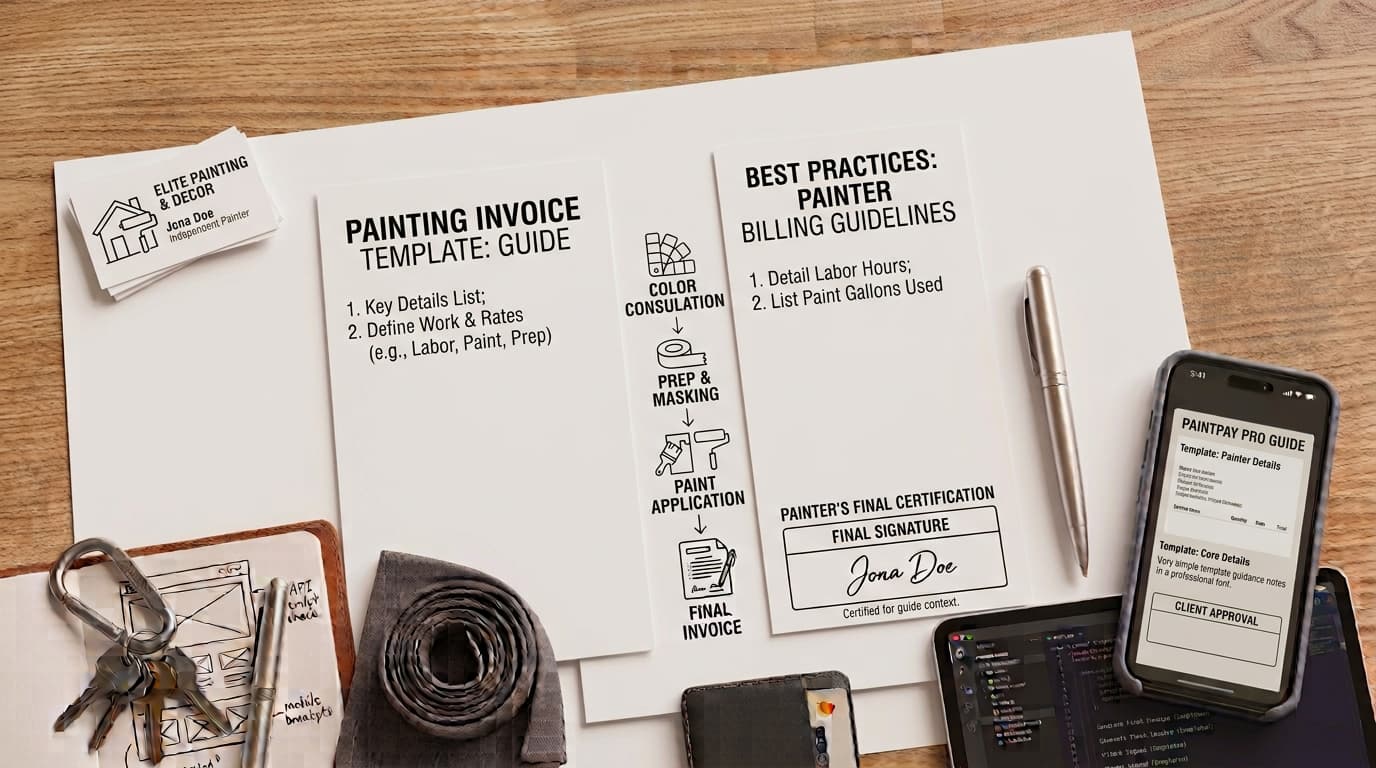
A professional painting invoice serves as a request for payment and a record of the services provided. For painting contractors, a clear, itemized document helps communicate the scope of work performed, the materials used, and the labor involved. By presenting a transparent breakdown of costs, you provide your clients with a clear summary of the project, which can assist in maintaining organized business records.
Whether you are a sole proprietor or managing a crew, the structure of your invoice reflects your business practices. Presenting a detailed breakdown of costs can help reduce confusion regarding the final bill.
Why a Professional Painting Invoice Matters
Maintaining accurate business records is a standard aspect of running a painting company. According to the Internal Revenue Service, businesses should maintain a recordkeeping system that clearly shows income and expenses. Invoices serve as supporting documents for these records, providing a trail to verify business activity. [Source: https://www.irs.gov/businesses/small-businesses-self-employed/what-kind-of-records-should-i-keep]
Beyond basic recordkeeping, a standardized painting invoice provides clarity. When a client receives a detailed document, they can review the services they are being billed for. If a client has questions about a charge, having a well-documented invoice allows you to point to the specific prep work, labor, or supplies that were included in the project. Using a consistent format for every job also saves time, allowing you to focus on your projects rather than administrative tasks.
Essential Components of a Painting Invoice
A high-quality invoice is typically easy to read and comprehensive. When drafting your document, consider including the following elements:
Header Details
Start with your business name, contact information, and logo. Include the client’s name and address to ensure the document is directed to the correct party. Assigning a unique invoice number to every document can make tracking and filing straightforward. You may also include the issue date and the payment due date to establish clear expectations for when payment is expected.
Itemization Strategy
A professional approach involves separating costs into distinct line items to provide clarity:
Prep Work: This includes surface cleaning, sanding, patching holes, and masking. Listing these as separate line items highlights the work performed to prepare surfaces for painting.
Labor: State the hours or the flat rate allocated for the painting services.
Paint and Supplies: List specific materials, such as primer, paint, rollers, and drop cloths. Noting the materials used helps the client understand the components of the project.
Room-by-Room Breakdown
For larger jobs, a summary line may not be sufficient. Use a room-by-room breakdown to describe the scope. For example, specify "Master Bedroom: Wall repair and two coats of eggshell finish" rather than just "Interior painting." This level of detail reinforces the scope of work agreed upon.
Deposits and Progress Payments
If you require a deposit or are billing for progress payments, list these clearly. Deduct the deposit amount from the final subtotal to show the remaining balance. Labeling a document as a "Progress Payment" helps the client understand that this is part of a larger project.
How to Create a Painting Invoice That Gets Paid
Creating a professional document does not require complex accounting software. While you can use basic word processing software, these tools often lack the calculation accuracy and structural polish required for a business.
To streamline your workflow, you can create a painting invoice using a dedicated generator. This tool allows you to format, preview, and download your invoice as a PDF. It supports the addition of business and client details, line items, taxes, fees, and discounts. It performs the math for subtotals and balances using exact decimal arithmetic. Because the tool is designed for service professionals, it allows you to add, remove, or reorder line items, ensuring your room-by-room breakdown is organized logically.
The tool allows you to add a logo, which is processed locally and is not uploaded to a server. It offers at least two visual templates and requires no signup. Because it does not send invoice data to a server, you retain control over your information, with optional drafts stored only in your current browser. Once you are satisfied with the preview, download the file to send to your client.
Best Practices for Managing Your Painting Invoices
Professionalism extends beyond the invoice itself; it includes how you manage your billing cycle.
Clear Communication
Establish your payment terms before you begin the first coat of paint. If you require a deposit upfront, ensure this is stated in your initial estimate and agreement. When the client knows what to expect, they are less likely to be surprised by the final invoice.
Consistent Follow-up
If an invoice reaches its due date without payment, reach out to the client promptly. A simple email reminder is often effective. Keep a record of your communication in case you need to reference it later.
Digital Organization
Organization is helpful for tax season. Create a folder system on your computer to store your PDF invoices by year and month. Keeping a clean, digital archive of your billing history ensures that you are prepared for your business obligations.
Frequently Asked Questions
Should I include prep work as a separate line item?
Yes. Separating prep work is a recommended practice. It justifies the labor cost and shows the client the work involved in the surface preparation process, which is a significant part of a painting project.
How do I handle progress payments on large painting jobs?
For multi-phase projects, clearly label each invoice as a "Progress Payment." Reference the original estimate number so the client can easily track how much of the project has been completed versus the total scope.
Can I use a simple Word document for my invoices?
While you can use a word processor, it is prone to manual calculation errors and lacks the professional finish of a dedicated tool. Using a generator ensures your calculations are precise and your branding looks consistent, which reflects better on your business.
What information should I include regarding payment?
Include clear instructions on how the client can pay you, such as accepted payment methods or an approved payment link. Exchange sensitive account or onboarding information through an appropriate secure channel rather than adding it to a routine invoice.
How should I handle taxes on my invoices?
If you are required to collect sales tax, ensure it is calculated correctly based on your local jurisdiction. Because tax requirements vary by jurisdiction, industry, and tax status, consult with a professional if you have questions about your specific obligations.
How do I ensure my invoice is accurate?
Before sending, double-check the line items, the math, and the client details. Using a tool that performs automatic calculations helps prevent errors. Always review the final PDF to ensure it matches the work performed and the agreed-upon pricing.
What is the best way to store invoices?
Store your invoices in a secure, organized digital folder system. Since the invoice generator allows you to download PDFs, you can save these files locally on your computer or a secure cloud storage service. This ensures you have a consistent record of your business income.
Can I customize the invoice templates?
The invoice generator provides at least two visual templates. You can add your business logo, which is processed locally, and customize the line items to fit the specific needs of each painting project. This allows you to maintain a professional appearance while providing the necessary details for your clients.
How do I handle invoice numbering?
Assigning a unique number to each invoice is a practical bookkeeping choice. It helps you and your client reference specific documents during discussions about payment or project history. While there is no universal rule for numbering, many contractors use a simple sequential system or a combination of the date and project ID to keep their records organized.
What should I include in the "Terms" section?
The terms section is a useful place to clarify your expectations. You might include information regarding the preferred payment method, the timeline for payment, or any late payment policies you have established. Keeping this section concise and clear helps prevent misunderstandings.
Is it necessary to include a "Notes" section?
Including a notes section is a great way to add a personal touch or provide extra context. You can use this space to thank the client for their business, mention a warranty on the paint job, or provide instructions for future maintenance. It is an optional field that can enhance the professional quality of your document.
How do I handle discounts on an invoice?
If you offer a discount, such as a referral bonus or a seasonal promotion, ensure it is clearly labeled as a line item or a deduction from the subtotal. This transparency shows the client exactly how the final price was reached and reinforces the value of the discount provided.
Can I include shipping or fees?
If your project involves specific delivery fees for materials or other service-related charges, you can include these as separate line items. Clearly labeling these fees ensures the client understands the total cost of the project and prevents confusion during the payment process.
What if I need to change an invoice after it is sent?
If you discover an error after sending an invoice, it is best to issue a corrected version immediately. Clearly label the new document as a "Revised Invoice" and reference the original invoice number. This helps the client replace the incorrect document with the accurate one, ensuring your records remain consistent.
How do I handle a balance due?
The balance due should be clearly displayed at the bottom of the invoice. If the client has already made a deposit, ensure that the deposit amount is subtracted from the total so the balance due reflects only the remaining amount owed. This clarity is essential for maintaining a positive relationship with your clients.
Put this into practice
Use the Invoice tool for the calculation, then read What an invoice needs to contain for the supporting explanation.